Field: Featured article card
Used to feature an article
Category: Waterlogic fields - Articles
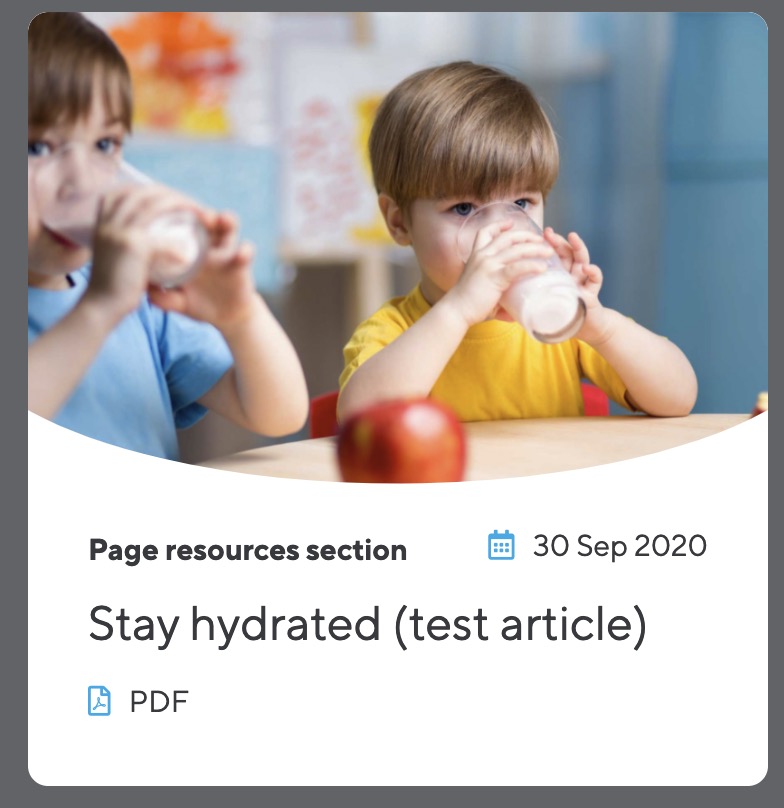
Add featured articles to webpages by entering the ID of the article. Select between the image showing on the left or top of the card.
Featured article Content Blocks field

Image left
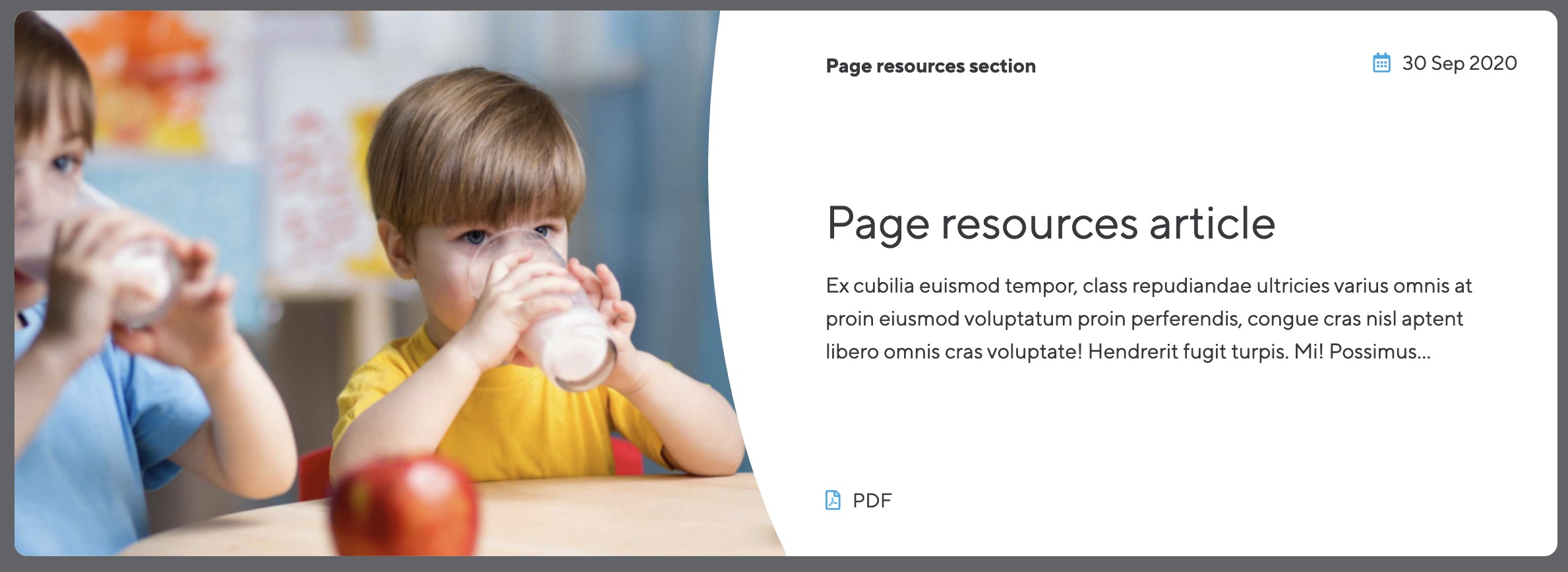
Image top
Field options
| Options | Description | Default |
| ID of article | ID of the featured article | |
| Image position | Position of the image. Use left for full-featured article as it adds the article Intro text. Use image top when adding more than one featured image in a layout column | top |