Layout: Category sidebar
A layout with a dynamically generated category link list and content/ sidebar sections
Category: Waterlogic Layouts.
Content Blocks Documentation: https://docs.modmore.com/en/ContentBlocks/v1.x/Layouts.html
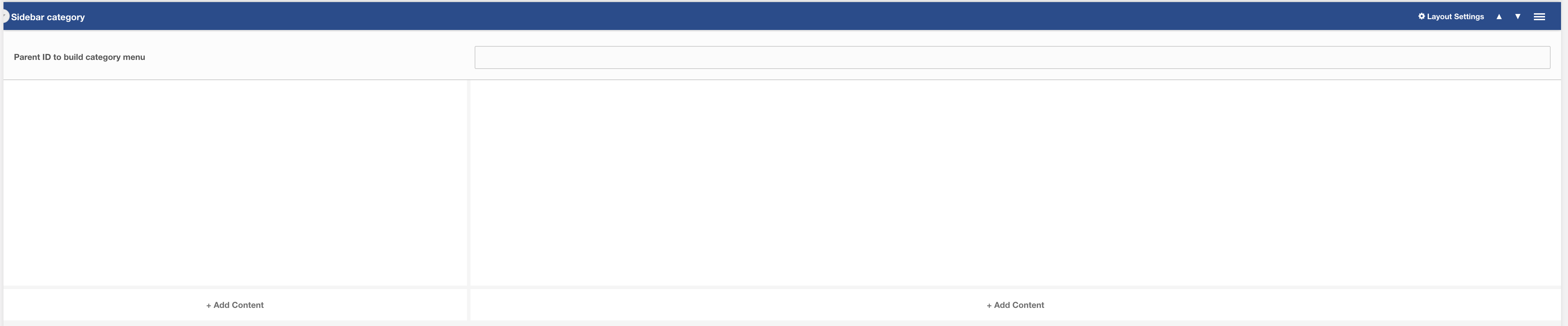
Figure 1
The smaller section on the left is the sidebar section, here you can add in Product filters, sidebar call to actions and sidebar help text. On the right is the main content area where you'd typically add product collection fields and image banners.
The Category links are automatically created based on parent, sibling and neighbouring resources so you don't have to add any additional fields in the sidebar section, it can be left blank.
Layout Settings
Data-UID: A unique ID of the container for skip to links
Parent ID to build category menu: For the category menu to work correctly on nested pages, it is important to enter the parent ID to generate the links. For example, using Figure 3, if this layout was being used on the Cups resource then the parent ID of the cups resource is required to build a menu that contains related categories.
Working example

Figure 2

Figure 3
In the working example above you can see that we are using sidebar filters and a hero to produce a simple category page with sidebar links.