Layout: Gradient image
Single column layout with a background image and a dark gradient overlay
Category: Waterlogic Layouts.
Content Blocks Documentation: https://docs.modmore.com/en/ContentBlocks/v1.x/Layouts.html
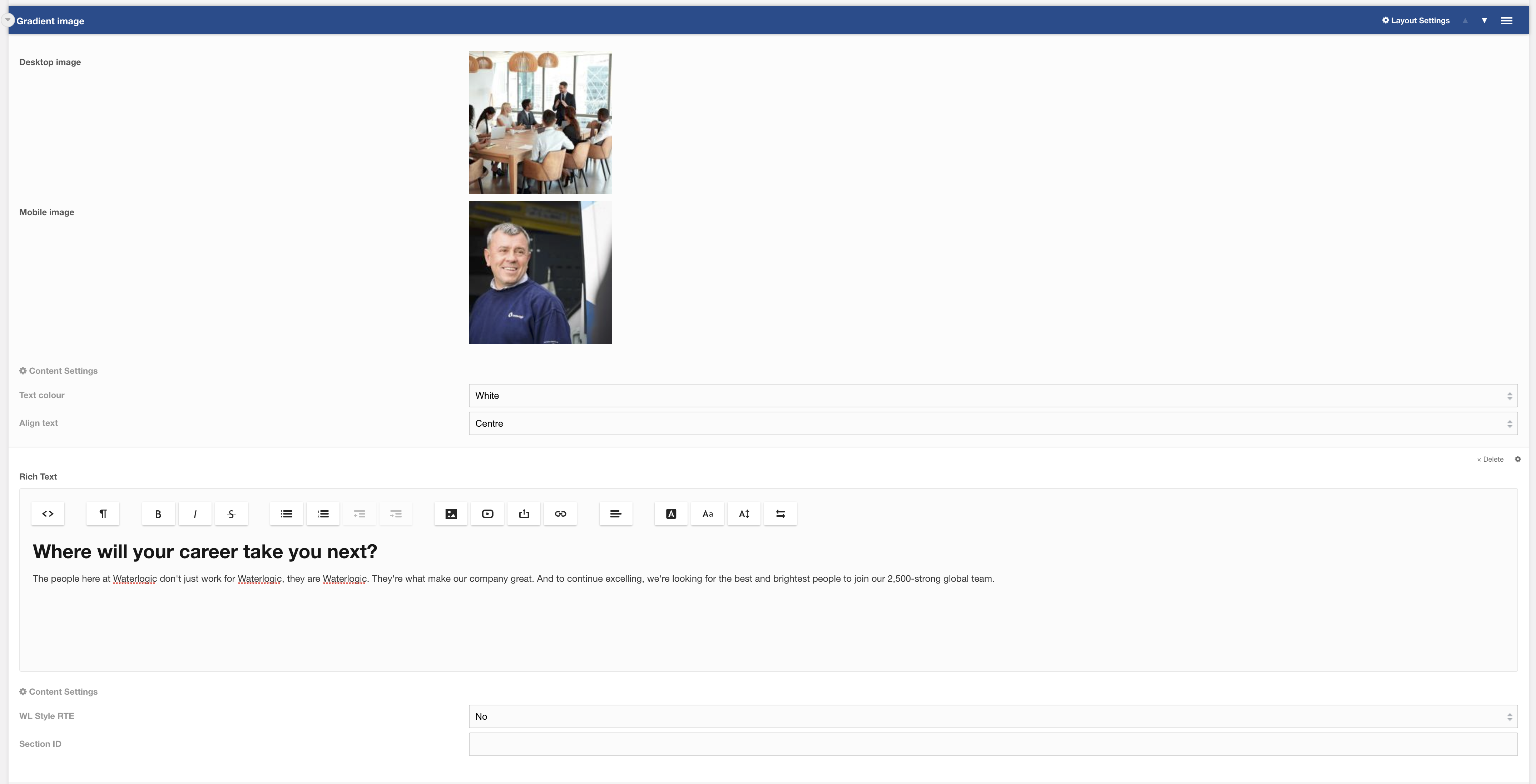
Additional settings are available by hovering over the field and clicking the cog in the top right
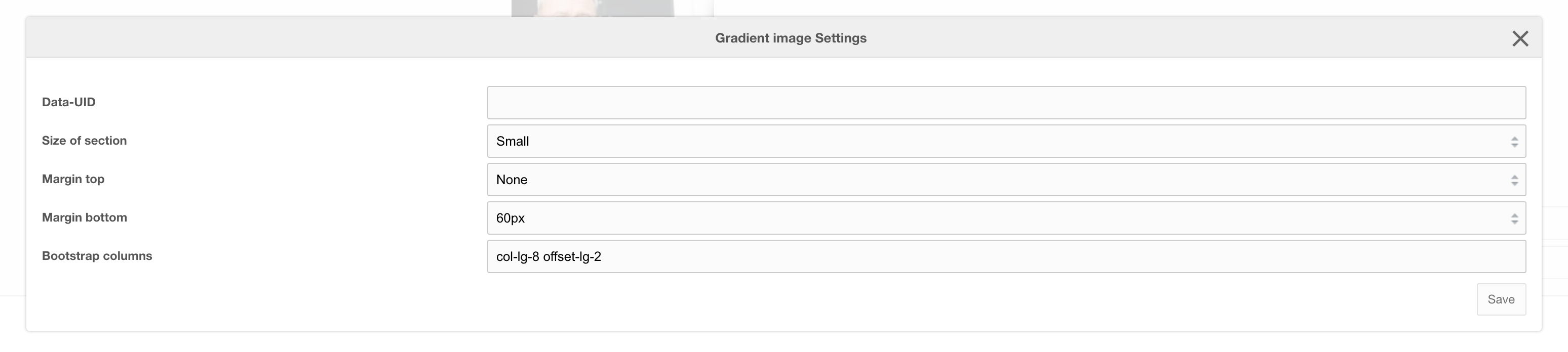
Options
| Option | Description | Default |
| Desktop image | Background Image to use for desktop | |
| Mobile image | Background Image to use for mobile |
Settings
| Setting | Description | Default |
| Text colour | Colour of text | White |
| Align text | Align content (Can be overridden on RTE) | Centre |
| Data-UID | A unique ID of the container for skip to links | |
| Size of section | Adjust the height of the background image: Small | Medium | large | Small |
| Margin top | Add margin to the top of the container for vertical alignment adjust | |
| Margin bottom | Add margin to the bottom of the container for vertical alignment adjust | |
| Bootstrap Column | Adjust the size of the column using bootstrap classes | col-lg-8 offset-lg-2 |