WL General
FAQ Categories
Create and manage FAQ categories
All FAQ's should be assigned to a category, categories help organise questions and answers so they can be pulled through on the frontend of the website through a Content Block field
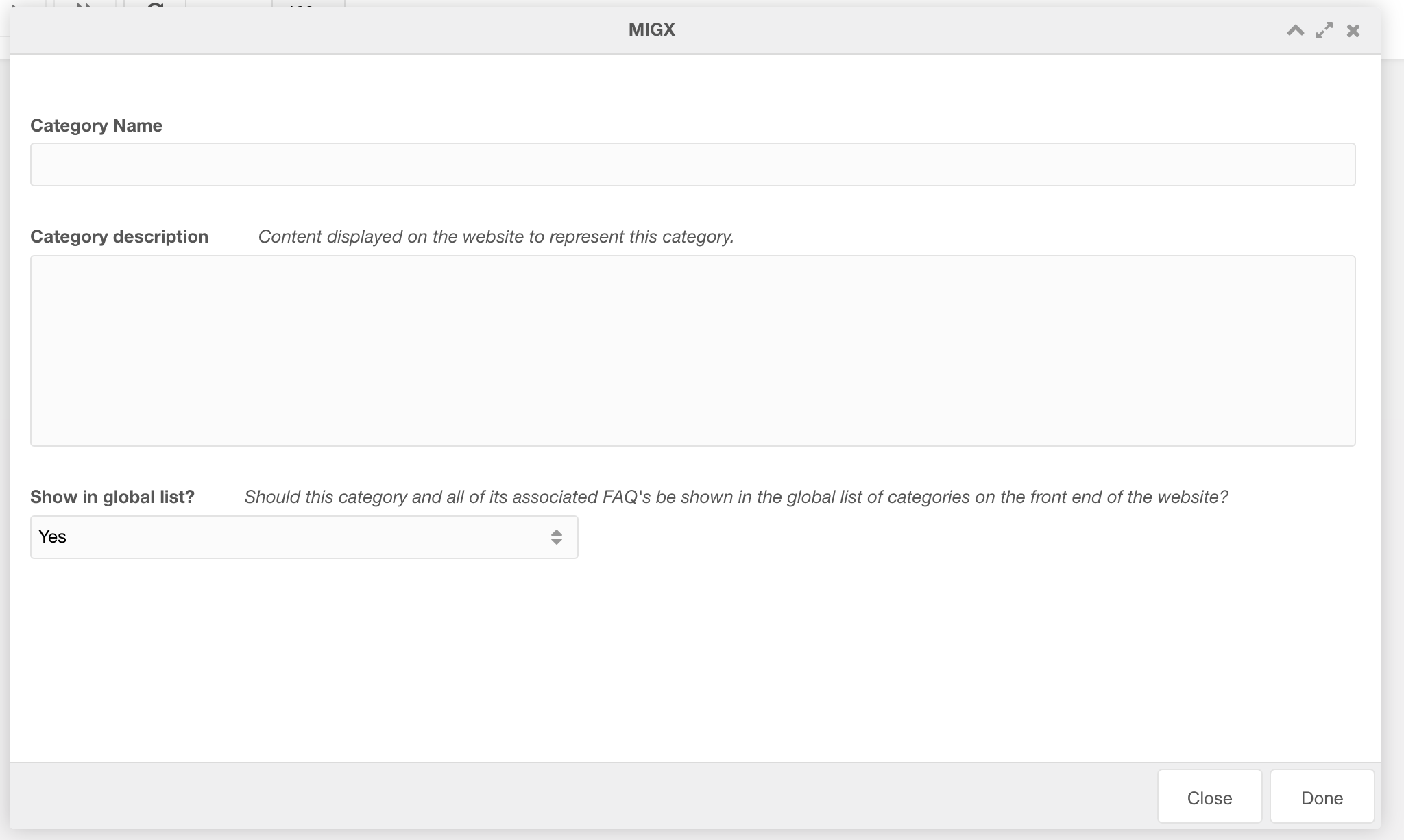
Adding a category
- Click 'Create category'
- Enter category name, description and select if this category should be published on the website
Updating a category
- Right click the category row you want to update
- Click 'Edit'
- Update category details
FAQ's
Create and manage FAQs
FAQs help answer any questions users possibly have to reduce blocks and increase conversions
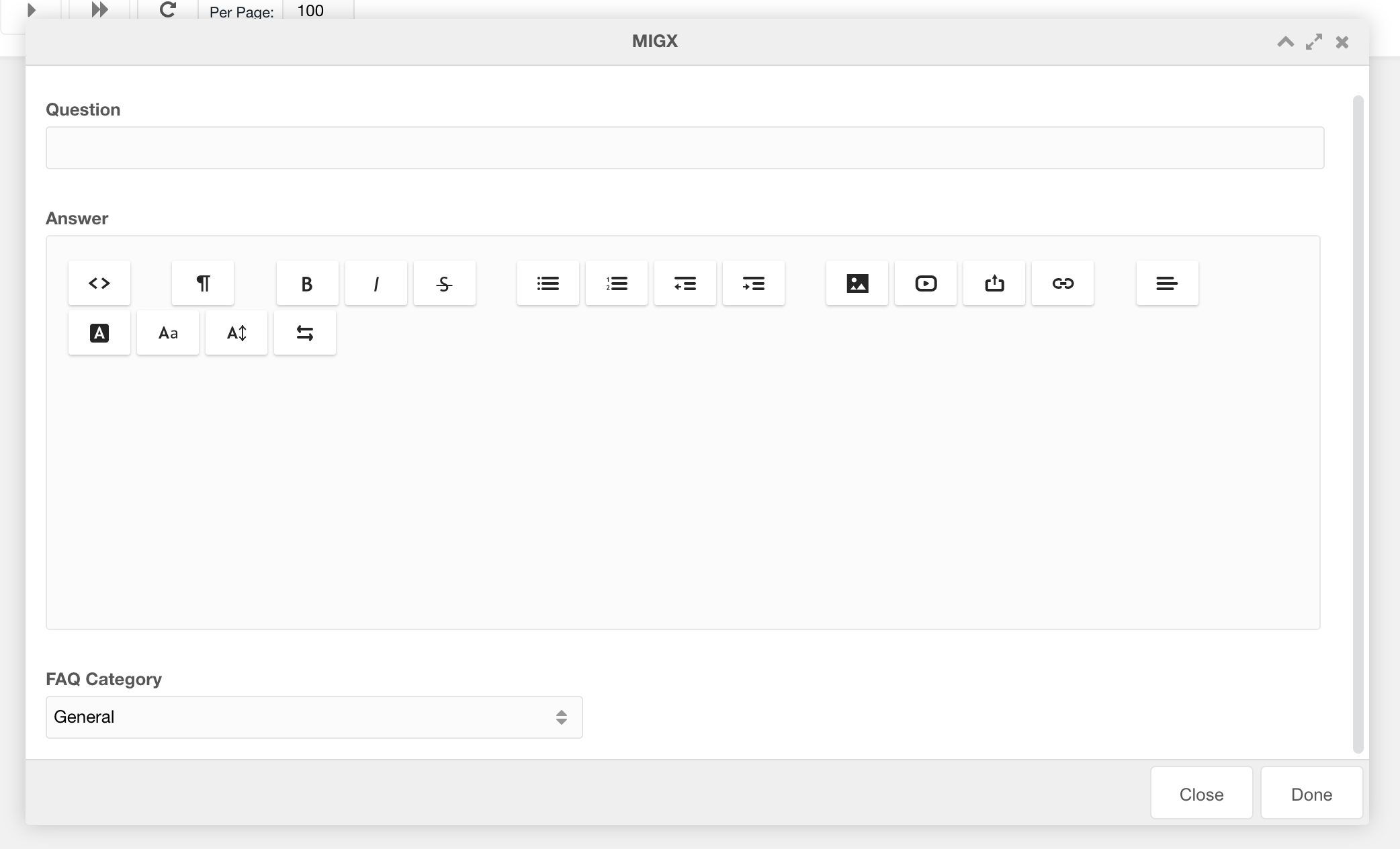
Adding an FAQ
- Click 'Add FAQ'
- Enter the Question, Answer and the Category (See creating categories) that this question will belong to. You can also choose to Publish or Unpublish this question to prevent it from being shown on the frontend.
Updating a category
- Right-click the question row you want to update
- Click 'Edit'
- Update details