Location Modal
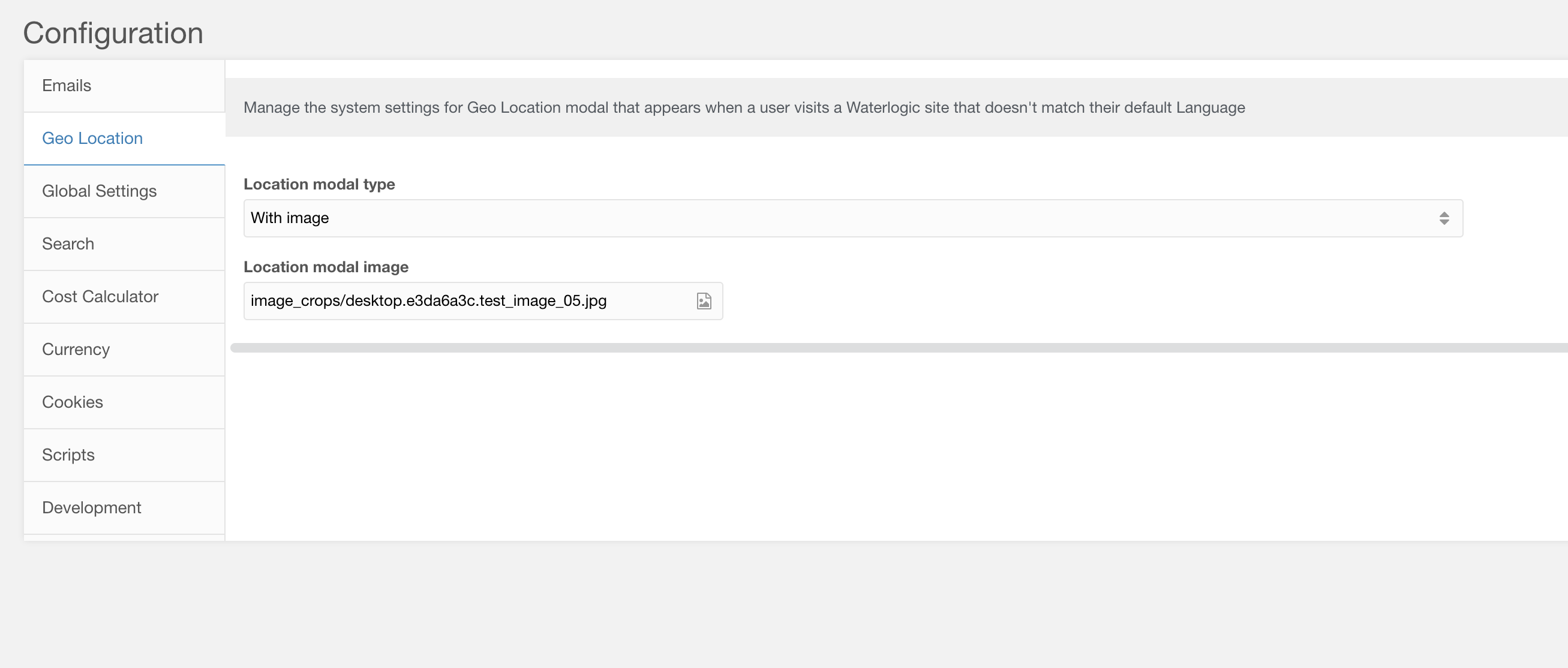
Figure 1
Table 1
| Setting | Description | Default |
| Location modal type | Select the type of location modal to show. Plain is a simple modal with text, while with image shows a modal with an image | plain |
| Location modal image | Image to show if type is with image |
Content is controlled in the geo_ip_modal lexicon settings. To set the global context configuration for the modal you need to update the plugin properties. Edit the geo_location_browser_lang plugin properties with the following details

Figure 2
Table 2
| Setting | Description | Default |
| global_ctx | The context key of the global context | web |
| global_culture_key | Culture key of the global context | en |
| global_locale | The locale of the global context | en_GB |
| global_name | Name of the global website | Global |
| global_site_url | Full URL of the global site |
Preview
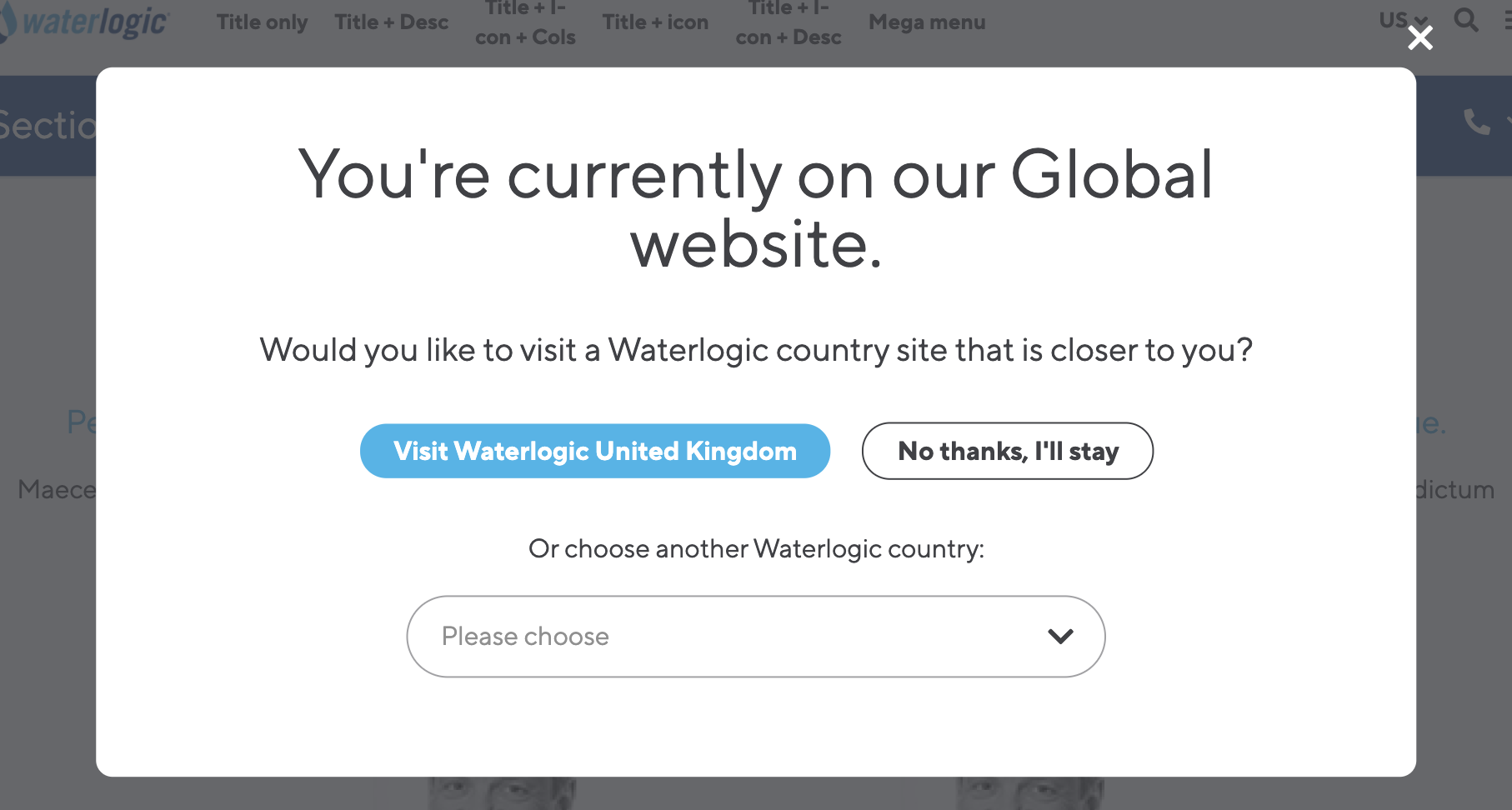
Figure 3
With image

Figure 4
Below is an example of the modal shown when a user with a default browser language of Spanish visits an English website (note that the button visit Waterlogic United States is being shown due to changing the language of the website in the Location CMP for testing. Normally this will show a link to the translated website).

Figure 5