
WL Locations
In order to manage the complexities of languages and locations, it's important these settings are kept up to date and assigned correctly. This section powers everything from the location links generated on the locations modal to the languages related contexts.
Adding a language
Under the Waterlogic Navigation, click WL Locations item.
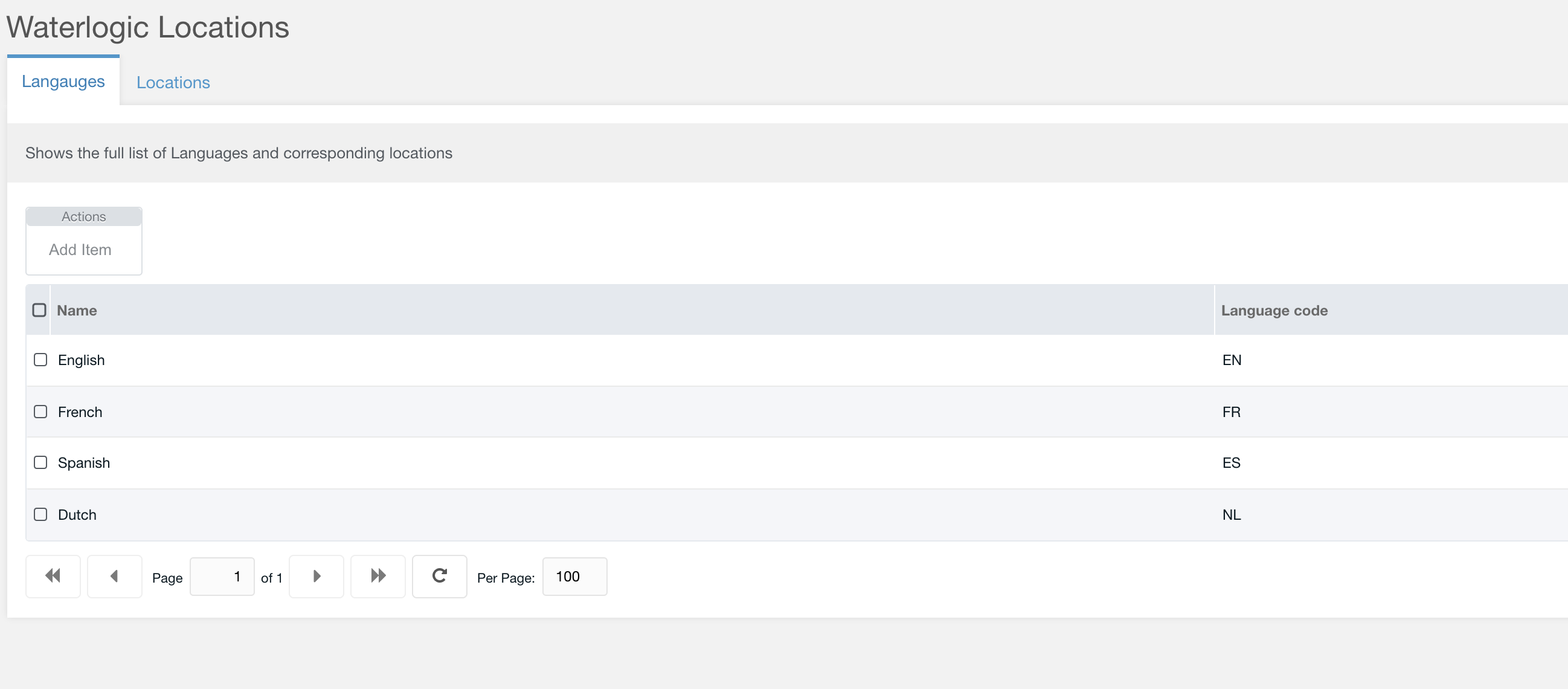
Figure 1
Add a new language by clicking 'Add Item'

Figure 2
Table 1
| Option | Description | Default |
| Language name | Name of the language | |
| Language code | ISO lang code i.e. EN, FR, AR, ES |
Add a location
Add a Waterlogic location that relates new Waterlogic websites & legacy sites

Figure 3

Figure 4
Table 2
| Option | Description | Default |
| Location name | Name of the location | |
| Language | Select a language from the dropdown. Languages are selected from the languages added in the previous table | |
| Country code | ISO country code i.e. GB, US, etc | |
| Locale | The locale of the country language entered as lang_COUTRY ie. en_GB, es_ES, fr_BE | |
| Context key | Select the context key of the website and relates to this Language/ Location | |
| Site url | Full URL of the website including any subdomians | |
| Legacy URL | If the new website has not been built you can point the language to a legacy website |
The above settings are used to generate some of the following components:

