
05_accessories_product_page
Modx template used for Waterlogic products
This template contains settings and variables specific to Waterlog products. It is important that every product on the website uses the correct product template.
How/ When to use this template
- Accessories sub-category (Collection)
- Accessories Product page (05_accessories_product_page - this template)
Template variables
This template has a number of variables that need to be set in order for content to render correctly across the website.
Product
| Template variable name | Usage | Image |
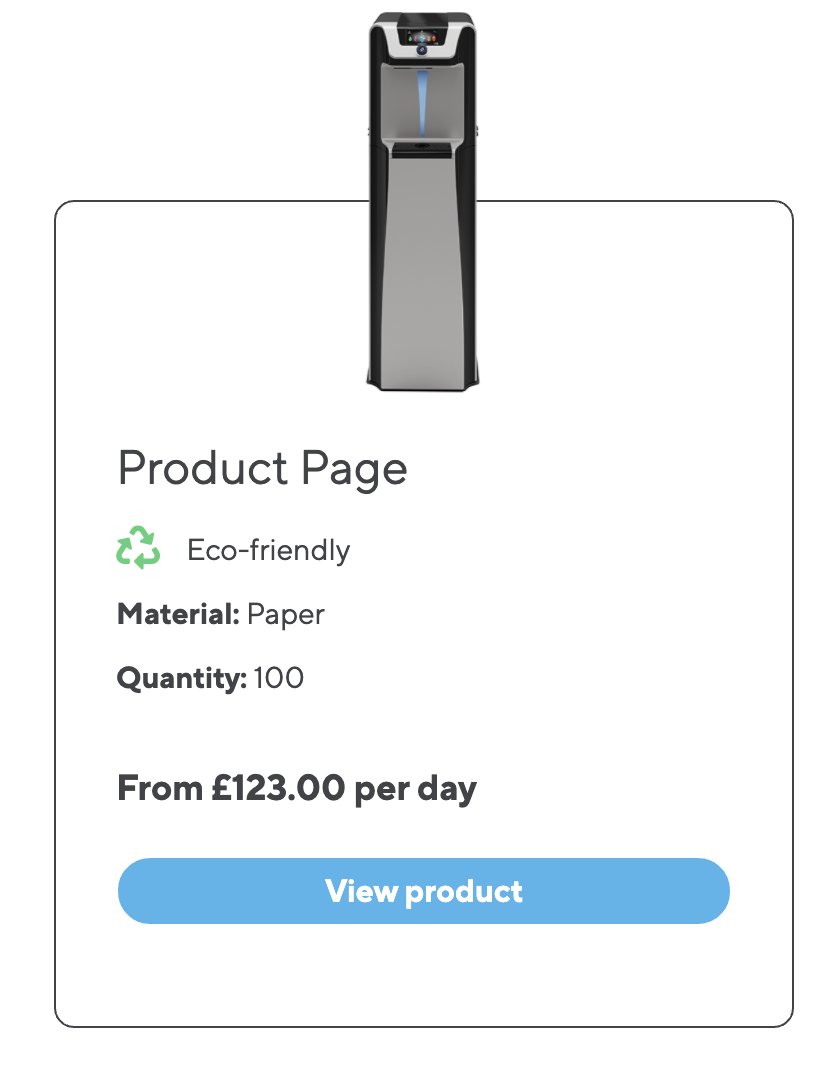
| Product pricing text | Used when this product is displayed using the Product collection Content Blocks field |
FIGURE 1 |
| Product Code | Used to display product code on email communications and certain content block fields that reference this product | |
| Is this product Eco Friendly? | A checkbox that marks this product as Eco-friendly and displays this information when product is called through certain content block fields | See figure 1 |
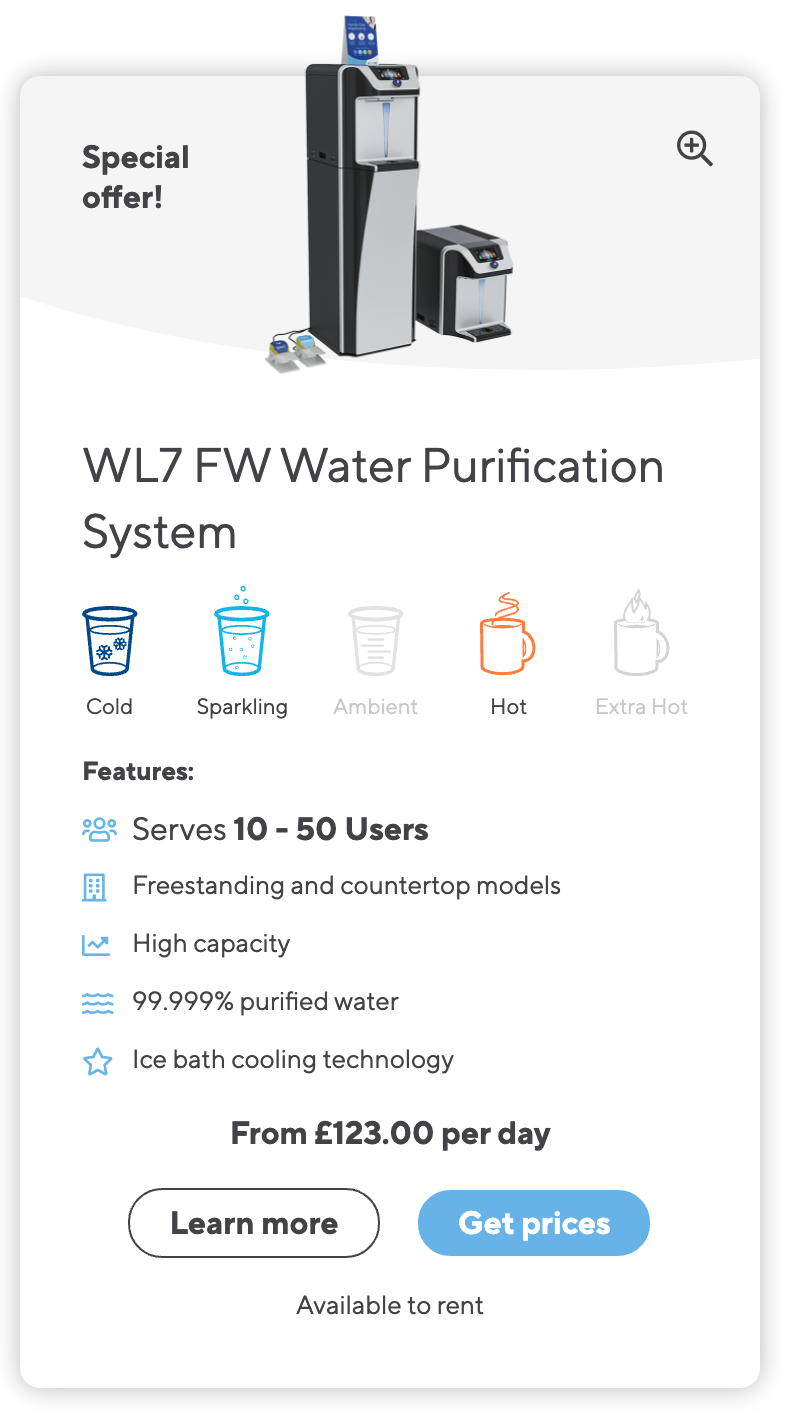
| Product availability | Select the availability of this product, this displays the information when the product is called through certain content block fields |
FIGURE 2 |
Product - Feature
| Template variable name | Usage | Image |
| Product remark | Displays the product remark when being called through certain content block fields |
See figure 2 |
| Icon feature list | A list of features and corresponding icons. These are used on the product category page when referencing this product |
See figure 2 |
| Product feature list | A list of features. These are used when referencing this product using the Content Blocks Product Collections field |
See figure 1 |
Product - Images
| Template variable name | Usage | Image |
| Product feature image | This image will be used across the website to reference this product when it's referenced using a Content block or added to the quote wish list. This is VERY IMPORTANT |
See figure 1 & 2 |