
Field: Colour text block
Colour text block for highlighting important text
Category: Waterlogic fields
Make text stand out with Colour text boxes, this field can be added to any layout

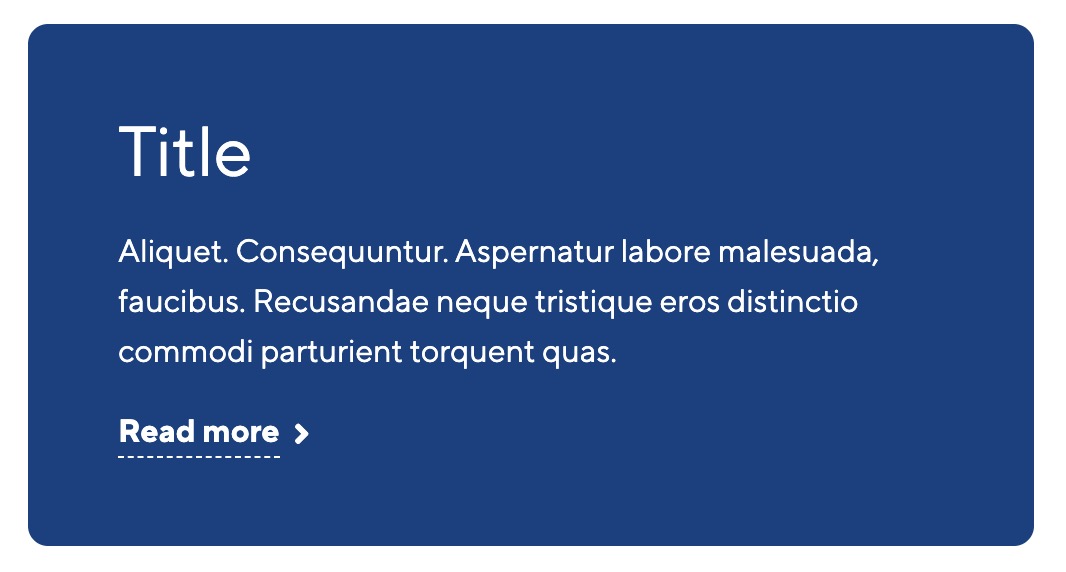
Field options
| Options | Description | Default |
| Title | Title of block | |
| Content | Block rich text content | |
| Hyperlink text | Text for hyperlink. If empty no hyperlink will be shown | |
| Hyperlink colour | Hyperlink colour | Dark grey |
| Hyperlink font size | Font size of the hyperlink | small |
| Font awesome icon | Name of the font awesome icon | |
| Hyperlink type | Type of hyperlink OPTIONS: Resource ID, Section ID, Weblink or Modal | Resource ID |
| Hyperlink destination | Destination of hyperlink based on hyperlink type. E.g. if Resource ID enter the ID of the resource you want to link to | |
| Alignment | Align the link left, centre or right of the block |
Field settings
| Setting | Description | Default |
| Block background colour | The background colour of the block | Transparent |
| Text colour | Text body colour, to be used when you change the background colour of the block | Body text colour |