
Layout: Banner Stacked Icon
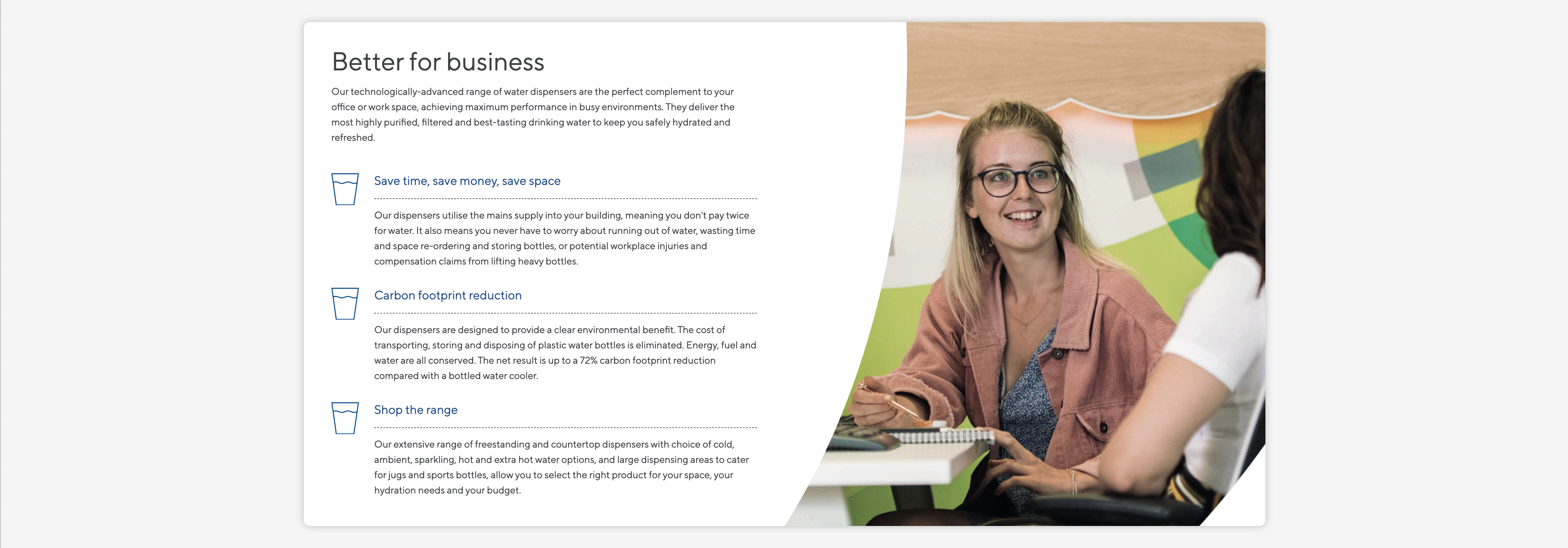
A single column banner with image to right or left.
Category: Waterlogic Layouts.
Content Blocks Documentation: https://docs.modmore.com/en/ContentBlocks/v1.x/Layouts.html

Layout Options
Background Image Desktop: The image to display on desktop.
Background Image Mobile: The image to display on mobile.
Image Position: Should the image on desktop display to the left of the content or right? Default right.
Content area allows you to add any field to this section. Designed initially to use headings and buttons and WL Dashed Icon List. See example below:
Settings are available by hovering over the field and clicking the cog in the top right
Settings
Padding Top: Padding top for the layout. Default to 45px.
Padding Bottom: Padding bottom for the layout. Default to 45px
Margin Top: Margin top for the layout. Default to 60px
Margin Bottom: Margin bottom for the layout. Default to 0px
Section Background Colour: The colour of the outer section for this full width layout. Default Light Grey.