
Template: Banner Image
Full width layout with curved image and content.
Category: Sections - Waterlogic Layout.
Content Blocks Documentation: https://docs.modmore.com/en/ContentBlocks/v1.x/Layouts.html
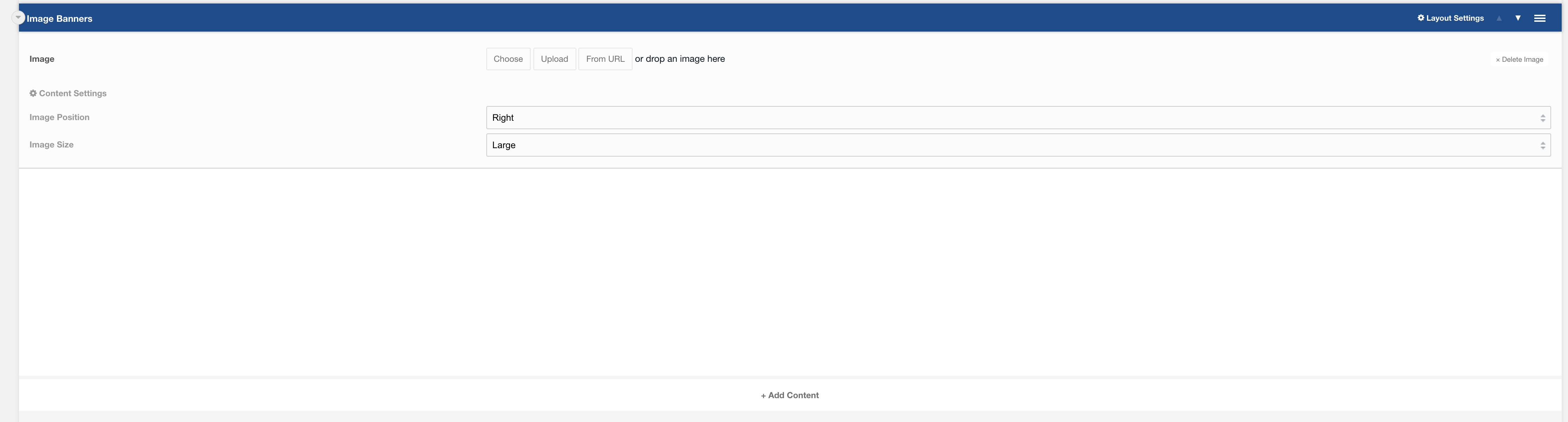
Layout Options
Image Position: Should the image appear to the left or right? Default to Right.
Image Size: Is the image small or large? Default to Large.
Settings are available by clicking on the layout settings in the top right of the layout.
Settings

Padding Top: Padding top for the layout. Default to 45px.
Padding Bottom: Padding bottom for the layout. Default to 45px.
Margin Top: Margin top for the layout. Default to 60px.
SVG Colour: The colour of the banner. Default to Dark Blue
Fields
Fields can then be added to the content area. Recommended headings with a small amount of text and a button.
Output:
The below has image position: right and image size: large.
