
Field: WL Dashed Icon List
WL Dashed Icon List.
Simple repeater
Category: Default.
Content Blocks Documentation: https://docs.modmore.com/en/ContentBlocks/v1.x/Input_Types/index.html#page_List+%28%2B+Ordered+List%29
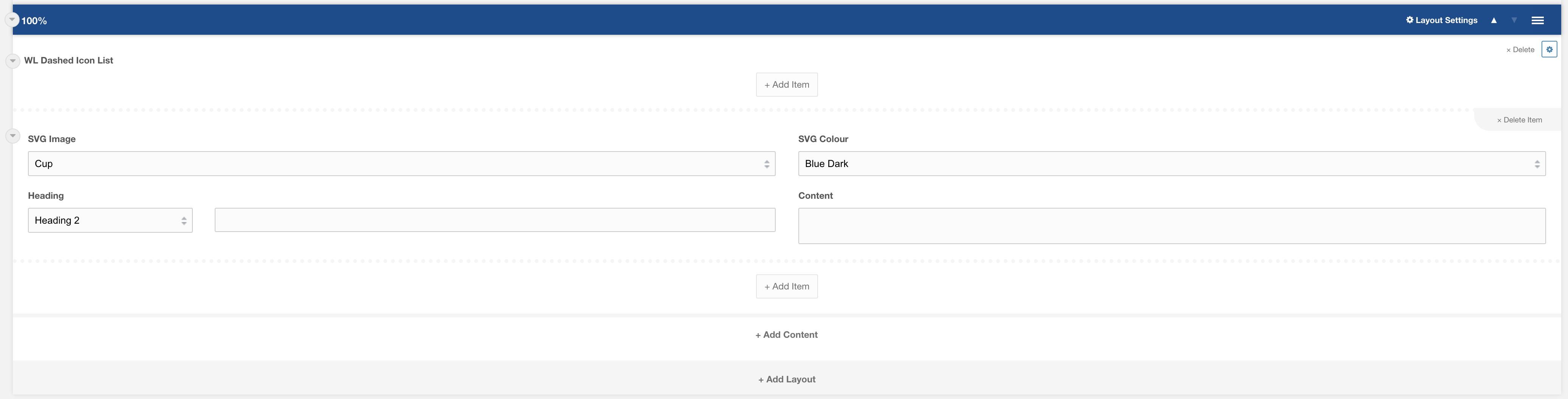
SVG Image: SVG image selector. Choose an icon that you would like to display
SVG Colour: The colour of the SVG icon. Default to Blue Dark
Heading: Heading for the top of the list repeater. Choose the heading type and content to display. Default Heading 2.
Content: Text to appear below the heading.
Additional Settings: (as found within field cog, highlighted in blue)

Mobile Accordion?: Display the icon list repeater as an accordion on mobile. Default Yes