
Layout: Banner Lifestyle Badge
A single column hero layout with badge, image and SVG Option
Category: Sections - Waterlogic Heros.
Content Blocks Documentation: https://docs.modmore.com/en/ContentBlocks/v1.x/Layouts.html
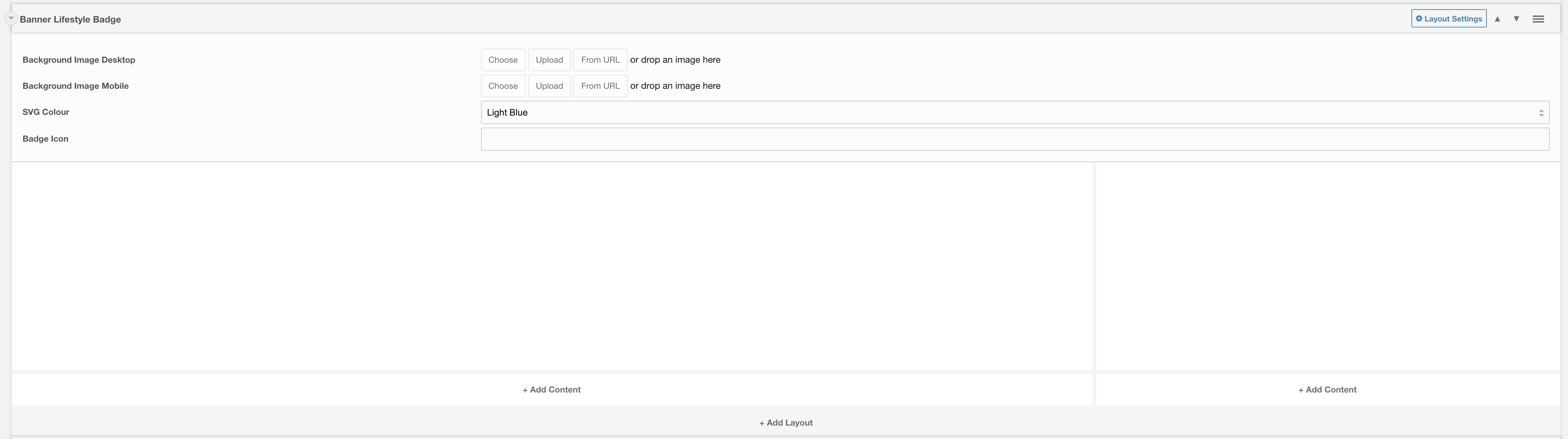
Content within the left layout represents the content that you would like to appear within the main part of the hero.
Content to the right of this layout represents information to appear within the badge.
Layout Options
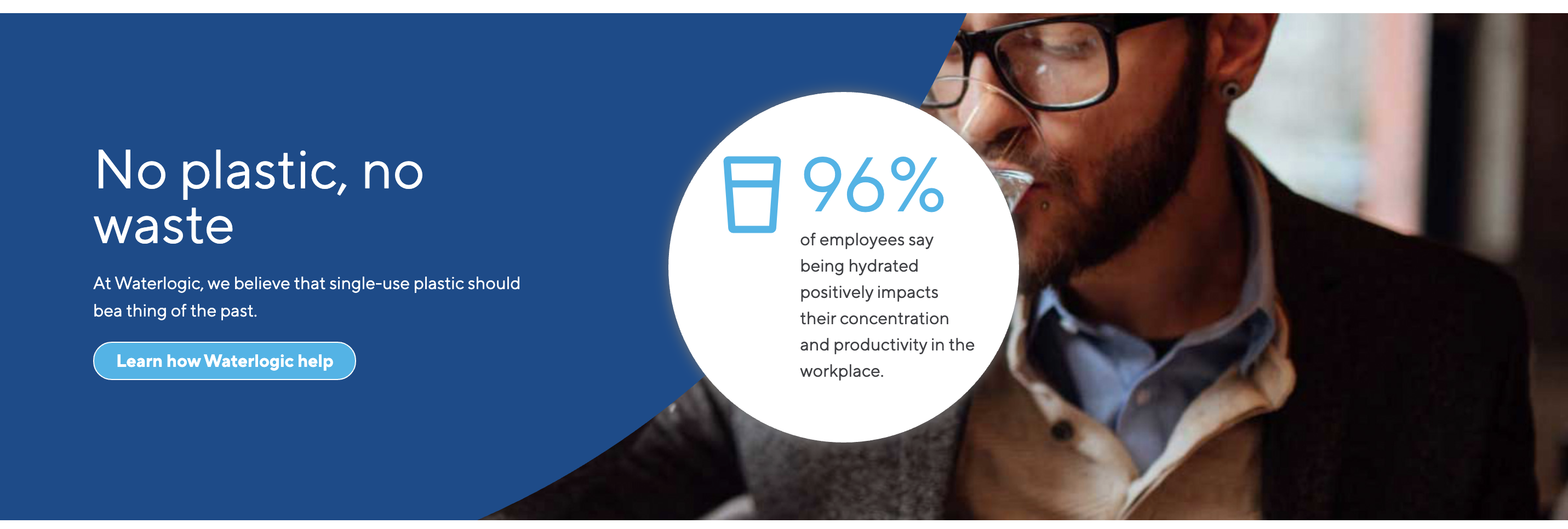
Background Image Desktop: The main image to fit the whole background of the layout (man in the background below). Minimum width should be 1200px.
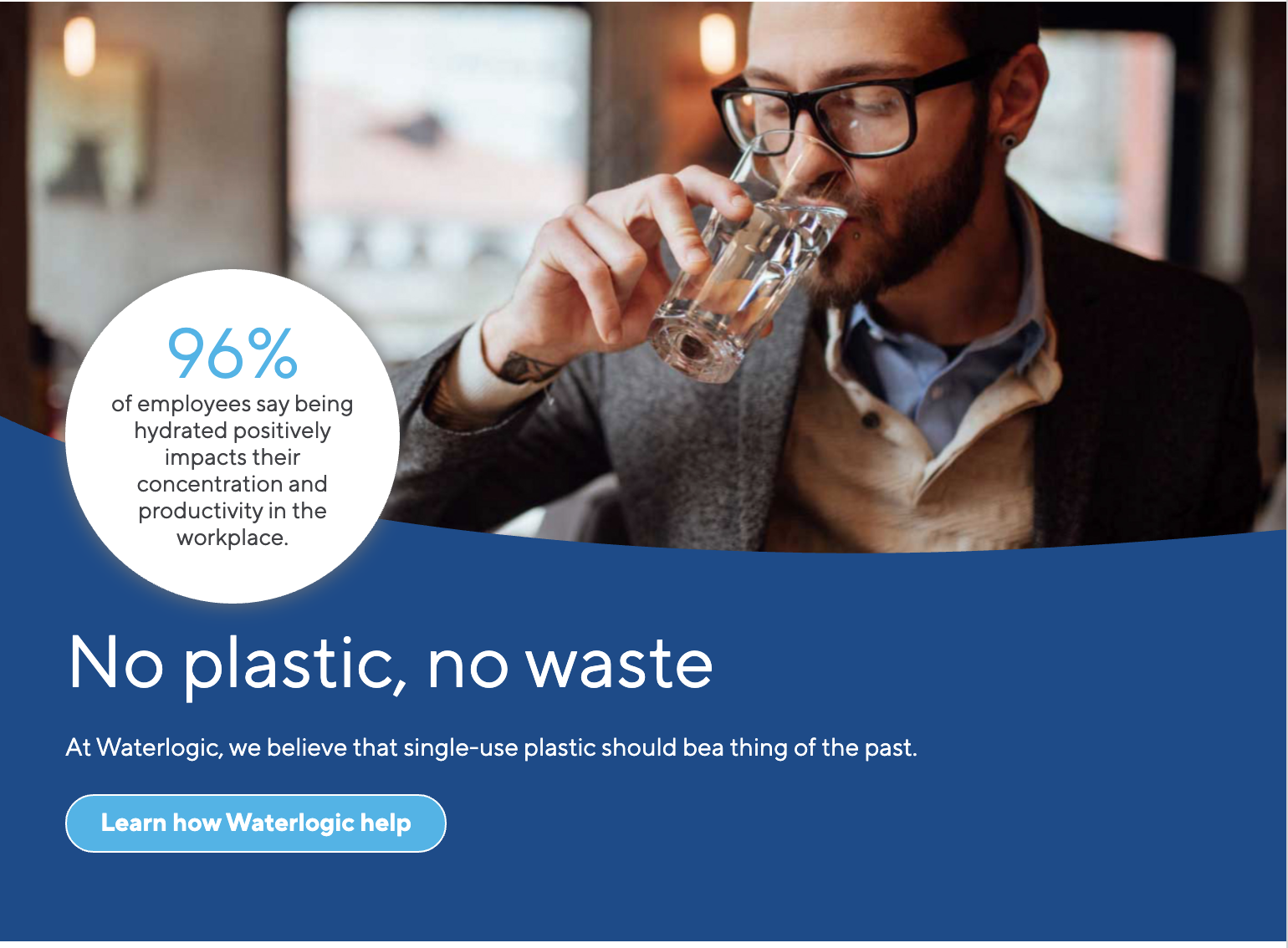
Background Image Mobile: The image that should display on mobile. (image goes to the top of the layout, see image below ).
SVG Colour: The colour that you would like the SVG to be Default. to Light Blue.
Settings are available by clicking on the layout settings in the top right of the layout.
Settings
Padding Top: Padding top for the layout. Default to 45px.
Padding Bottom: Padding bottom for the layout. Default to 45px.
Margin Top: Margin top for the layout. Default to 60px.
Margin Bottom: Margin bottom for the layout. Default to 0px.
Show Badge: Do you want the badge to appear within this hero. Default to Yes.
Mobile Alignment: Alignment of text content on mobile. Default to Center.