
Layout: Side panel layout
Side panel layout
Category: Waterlogic Articles.
Content Blocks Documentation: https://docs.modmore.com/en/ContentBlocks/v1.x/Layouts.html
This layout is typically only used for an Article Resource Section, the layout provides two columns for adding fields and nested layouts. The smaller column on the right is specifically designed to hold the Side Panel field.
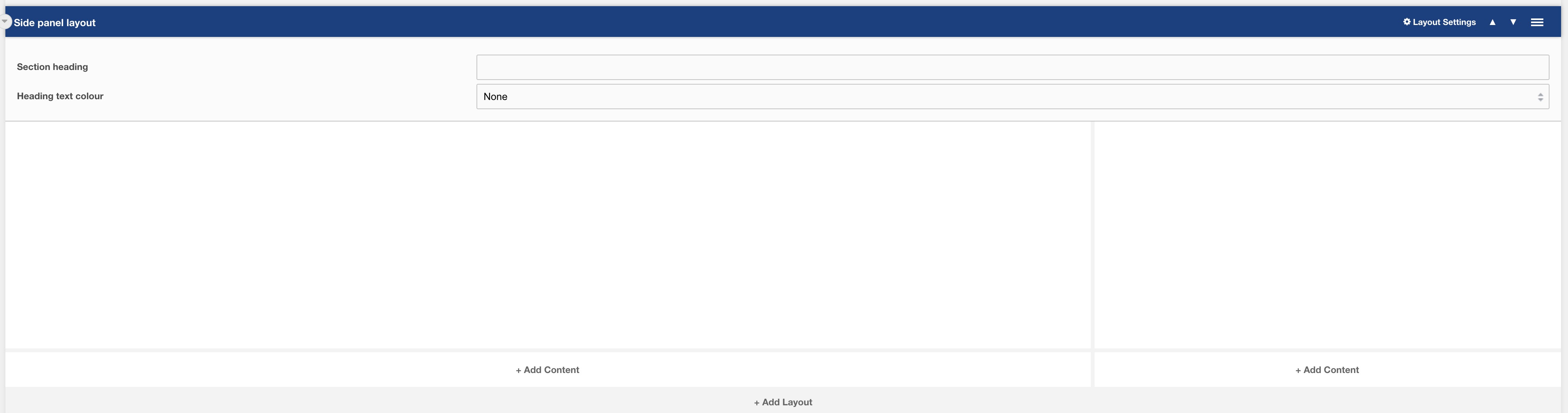
Settings are available by hovering over the field and clicking the cog in the top right
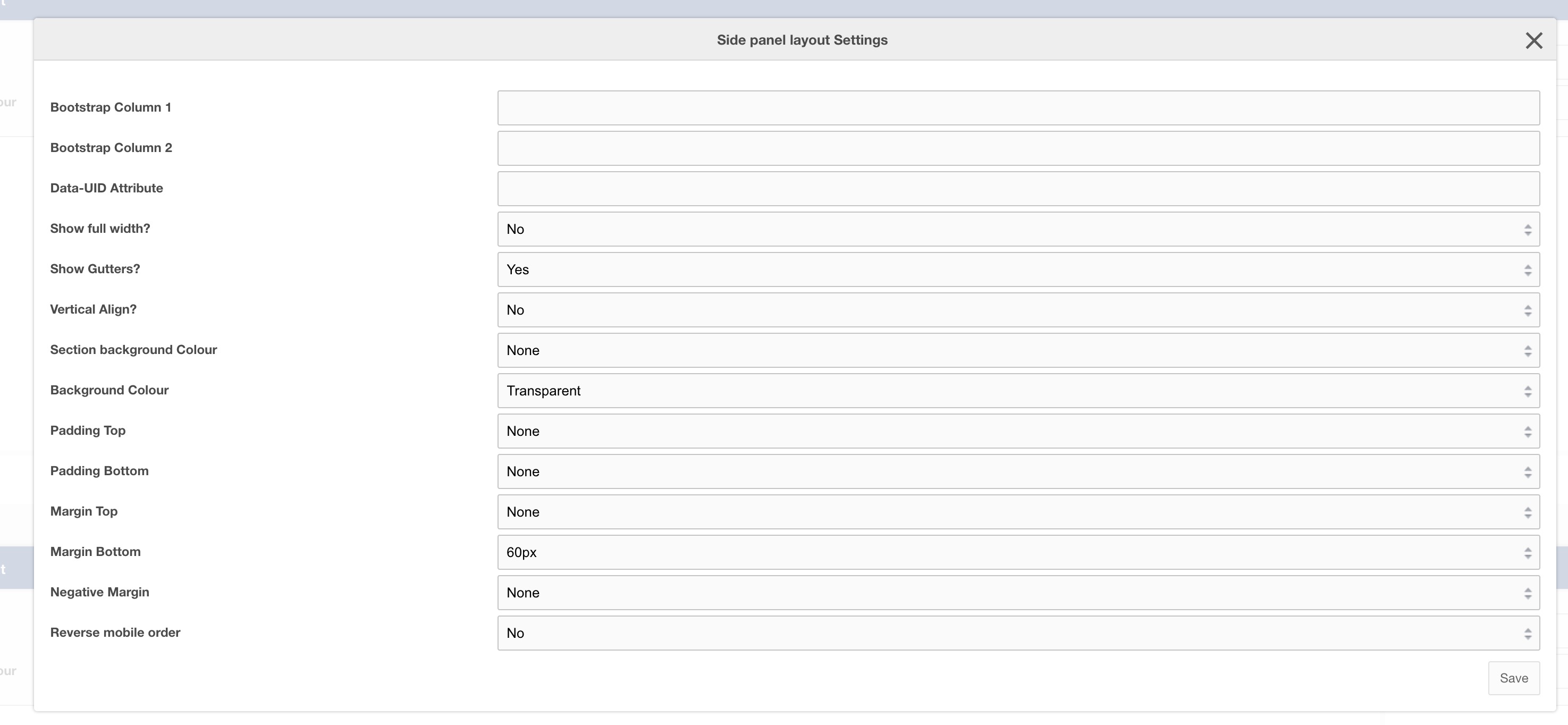
Settings
| Setting | Description | Default |
| Bootstrap Column 1 | Adjust the size of the column using bootstrap classes | col-12 col-lg-9 |
| Bootstrap Column 2 | Adjust the size of the column using bootstrap classes | col-12 col-lg-3 |
| Data-UID | A unique ID of the container for skip to links | |
| Show full width? | Element stretches full width of the page | No |
| Show Gutters? | Show Bootstrap gutters | Yes |
| Vertical Align? | Vertically align the columns | Yes |
| Section background colour | Background colour of the full-width section | Transparent |
| Container background Colour | Section background colour | Transparent |
| Padding top | Section padding-top - Use if you have background colour set | |
| Padding bottom | Section padding-bottom - Use if you have background colour set | |
| Margin top | Add margin to the top of the container for vertical alignment adjust | |
| Margin bottom | Add margin to the bottom of the container for vertical alignment adjust | 60px |
| Negative margin | Add a negative margin to the bottom of the section, useful for adjusting the base padding when using background colours | |
| Reverse mobile order | Reverse the order of the columns on mobile | No |