
Field: Fixed Icon Label
WL Fixed Icon Label.
An icon and text area with the ability to choose from FA icons and WL Icons.
Category: Waterlogic Fields.
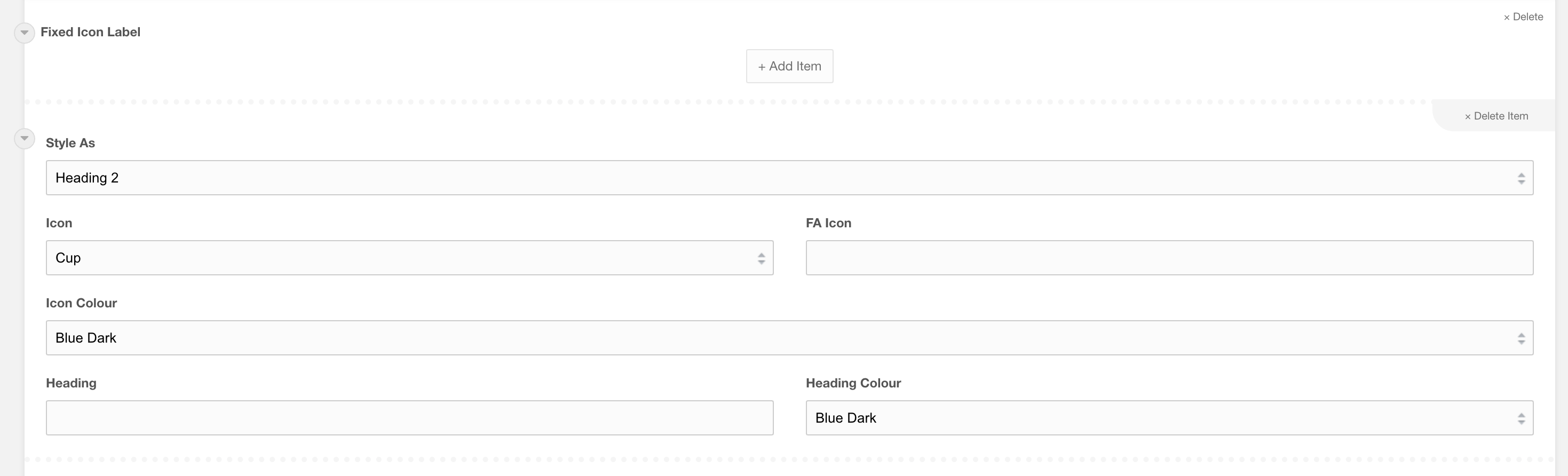
Settings
To use a font awesome, search within the Font Awesome website as provided above. Once you have found the icon required, find the fa-(icon name) to use:

Heading: The content to sit next to the icon selected.
Heading Colour: The colour of the heading. Default inherited text colour.
Items Per Row : How many items per row? Default to 3
50/50 on mobile: should each repeater item be 50/50 on mobile? By default each item will be 100% and this usually works and allows content to flow the whole width.